Materialized View
Create stream for your data
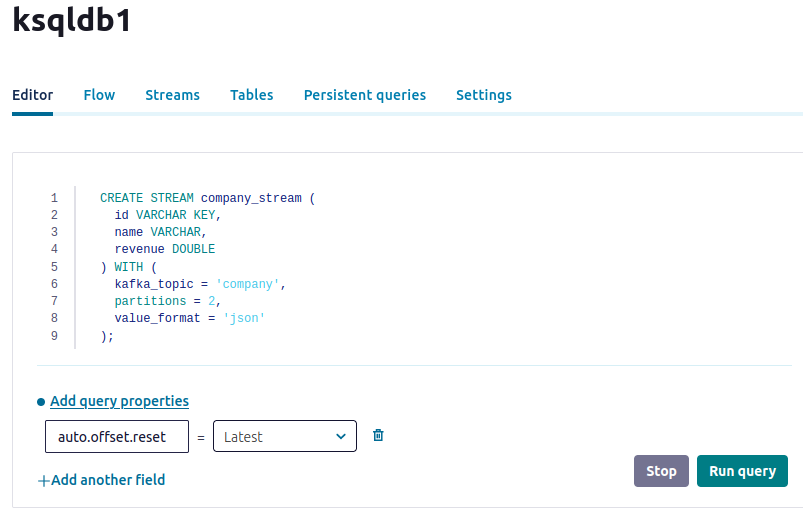
The first step in creating a materialized view using ksqlDB is to create a stream for pushing data. This can be done by using Confluent UI.
CREATE STREAM company_stream (
  id VARCHAR KEY,
  name VARCHAR,
  revenue DOUBLE
) WITH (
  kafka_topic = 'company',
  partitions = 2,
  value_format = 'json'
);
See Editor:
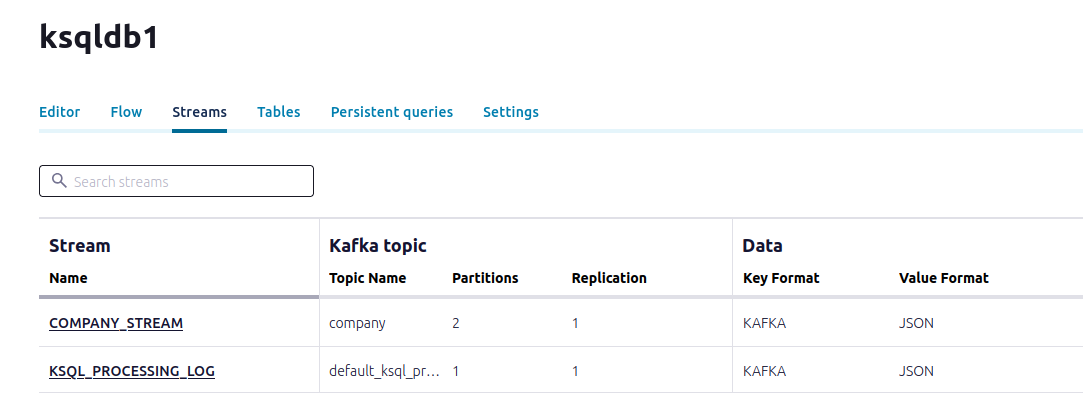
See Streams:
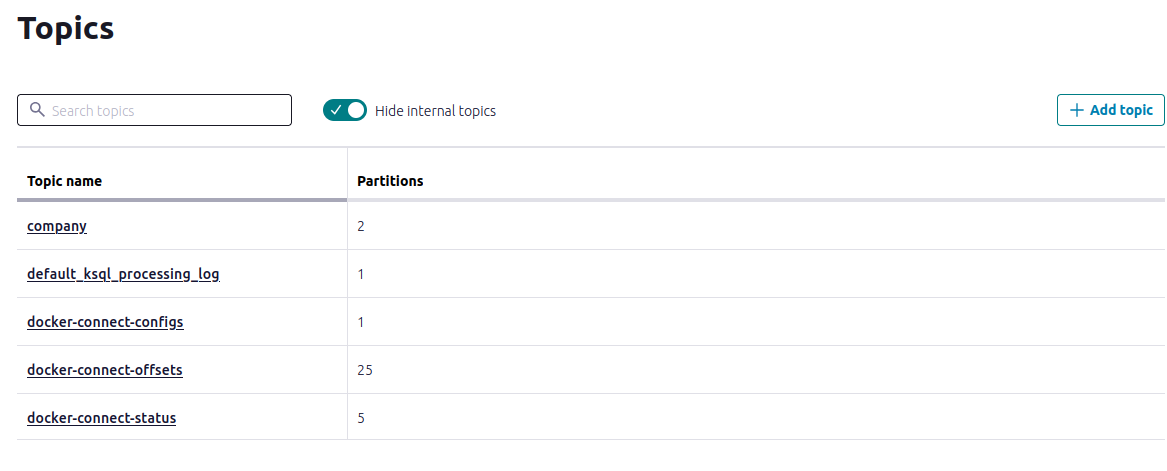
See Topics:
Materialized view
Once the stream is set up, we can move on to creating a materialized view. This will consume events from the stream and use them to construct and maintain an updated state.
Go to Editor:
SET 'auto.offset.reset' = 'earliest';

CREATE TABLE company_latest AS
SELECT
  id,
  LATEST_BY_OFFSET(name) as name,
  LATEST_BY_OFFSET(revenue) AS revenue
FROM company_stream
GROUP BY id
EMIT CHANGES;

Insert some data and observe the changes:
INSERT INTO company_stream (id, name, revenue) VALUES ('AMZ', 'Amazon', 100);
INSERT INTO company_stream (id, name, revenue) VALUES ('AMZ', 'Amazon', 450);
INSERT INTO company_stream (id, name, revenue) VALUES ('GOG', 'Google', 90);
INSERT INTO company_stream (id, name, revenue) VALUES ('APL', 'Apple', 130);
INSERT INTO company_stream (id, name, revenue) VALUES ('GOG', 'Google', 99);
INSERT INTO company_stream (id, name, revenue) VALUES ('APL', 'Apple', 139);
Next:
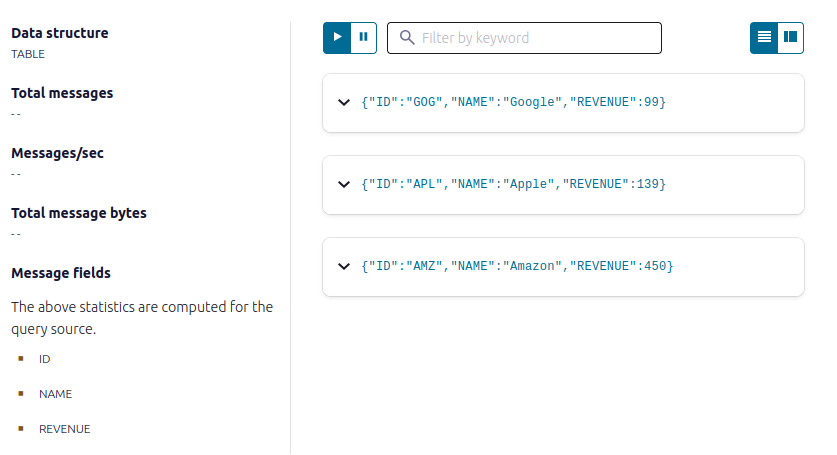
SELECT *
FROM company_latest;
Result: